Someone always asks the price first. Fair enough. The honest answer is that what patent drawings cost is not one number. It is a range, and where you land in it depends entirely on how you get them done.
You can pay nothing but your own time. You can pay a professional firm per figure. Or you can let AI clear the straightforward figures and pay a human only for the few that genuinely need one. Same filing, very different bills.
There is also a trap hiding in the cheap options. A drawing that does not meet 37 CFR 1.84 draws an objection, and now you pay to redo it and wait longer to prosecute. Cheap can cost more.
Do you even need drawings?
For a utility application the rule is functional. Drawings are required where they are necessary to understand the invention (35 USC 113). In practice that is most applications, so the realistic question is usually not whether, but how.
For a design application, the drawing is the claim. The figures must comply with 37 CFR 1.84 under 37 CFR 1.152. Get the drawings wrong and you have mis-scoped the only claim you have.
What patent drawings cost in 2026
A utility application usually runs several sheets (more for complex inventions), and a design application uses as many views as needed to fully disclose the design, often the six orthographic views plus a perspective.
Three ways to get patent drawings done
- DIY. Software can be free (Inkscape, LibreCAD). The real cost is time, roughly 2 to 8 hours per sheet, and you carry full 37 CFR 1.84 compliance yourself.
- A human illustrator for every figure. Utility figures typically run $40 to $150 per sheet, design $70 to $200. Some firms publish flat per-figure rates, around $29 for utility and $39 for design. Complex or premium illustration can climb toward $500 or more per sheet, and a rush usually carries a premium. Freelance marketplaces sit lower, often about $25 to $75 per sheet, but quality and compliance vary more.
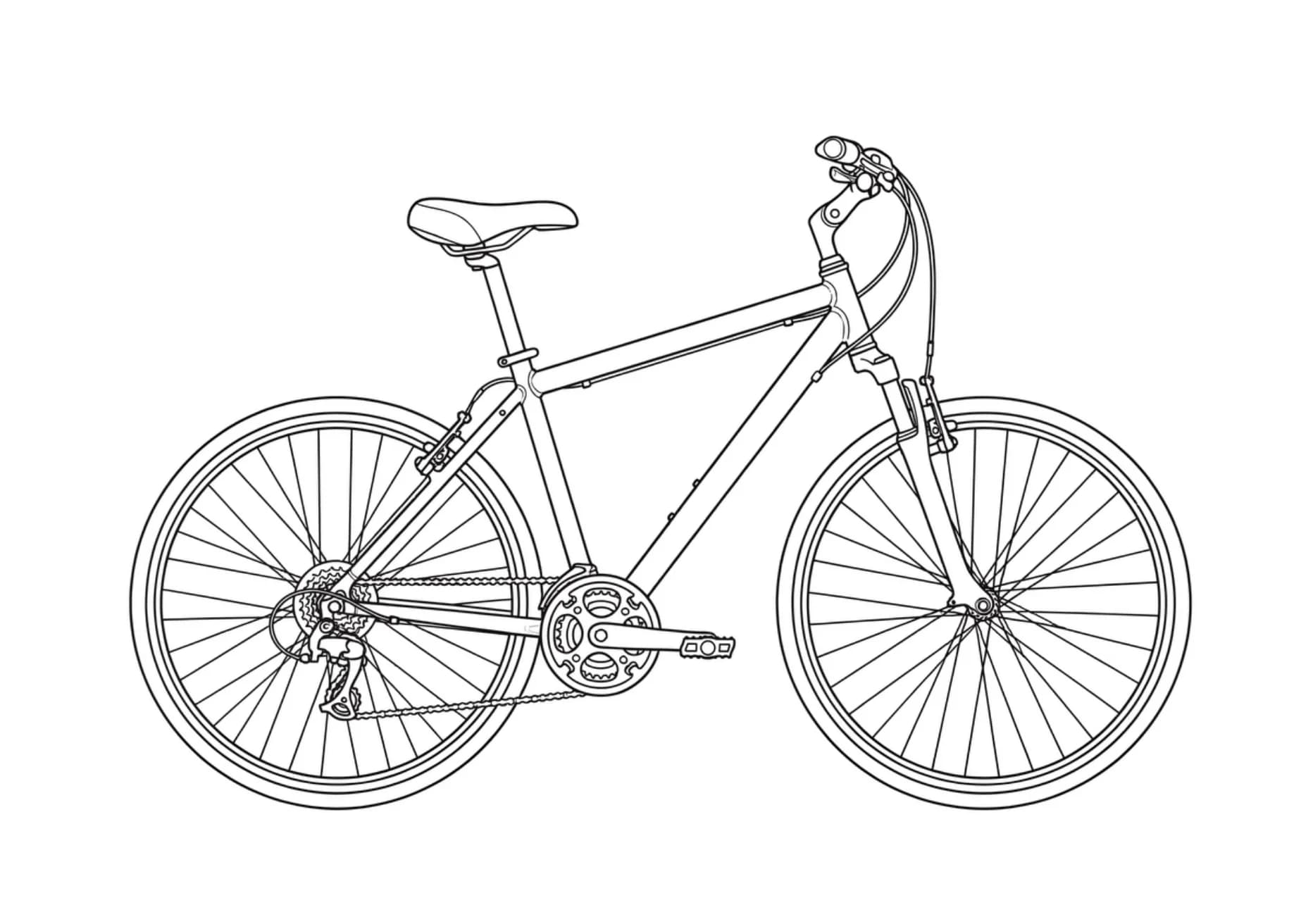
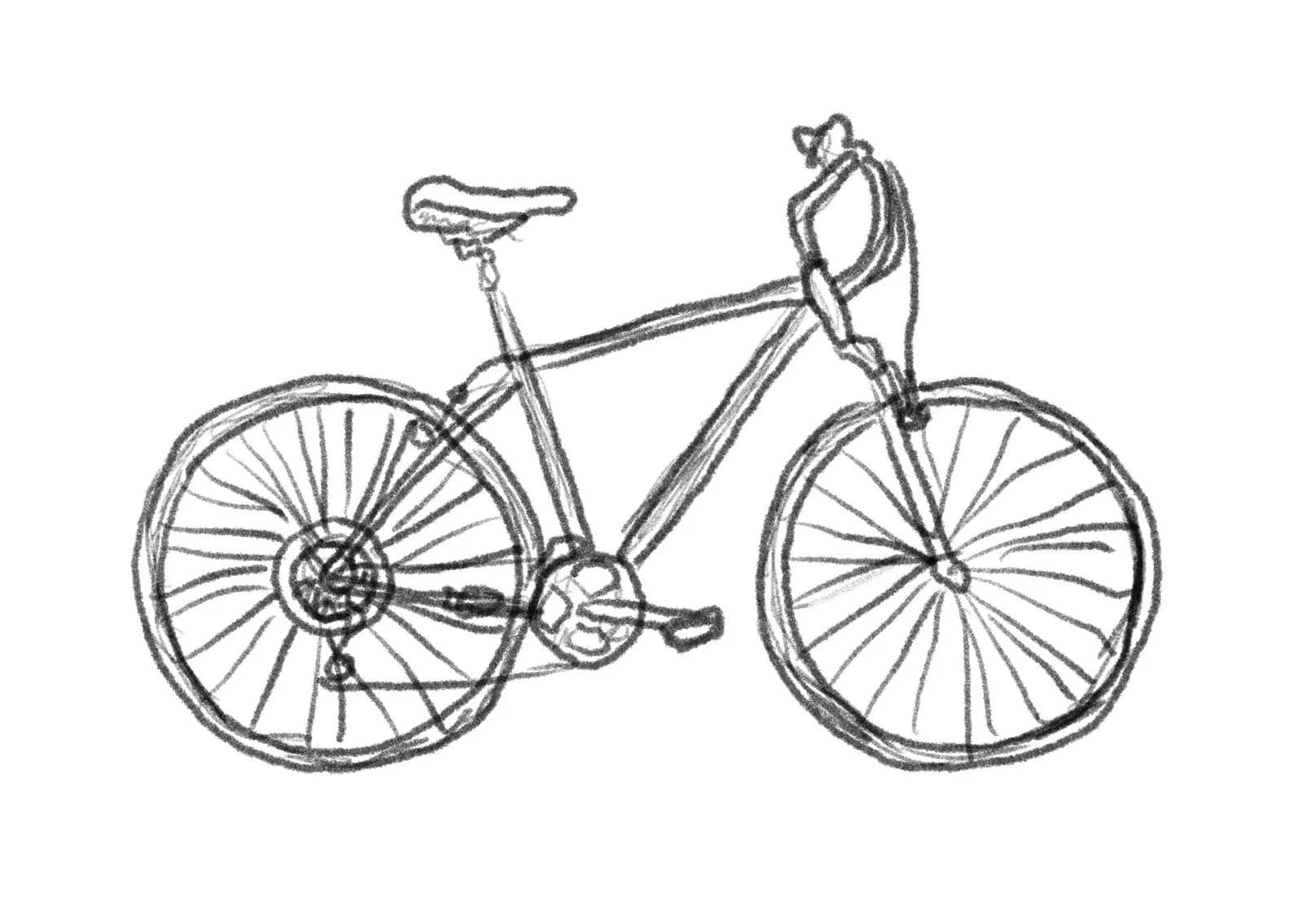
- AI-first, with a human illustrator for the figures that need one. AI turns a screenshot or sketch into a compliant figure in seconds, handles reference numerals and lead lines, and exports in the formats your filing workflow expects. A vetted human takes the genuinely intricate ones.
The hybrid math (and why it costs less)
Picture ten figures. AI handles the seven clean ones, a human handles the three intricate ones. You paid a human for three instead of ten, with no quality drop on the seven. The point is not that illustrators are expensive. You were paying expert rates on figures that did not need expert hands. Pay for craft where craft matters.
What gets patent drawings rejected
37 CFR 1.84 reads like a checklist, and these are the essentials.
- Black and white, solid black lines (India ink or its equivalent). Color is allowed only by petition, with a fee under 37 CFR 1.17(h), currently $150 and reduced for small and micro entities.
- Margins of at least 1 inch top and left, 5/8 inch right, and 3/8 inch bottom.
- Reference numerals at least 1/8 inch tall, consistent across views and matching the specification.
Miss any of these and the USPTO issues a drawing objection, one of the most common procedural objections. You then file corrected formal drawings, which means more cost and more delay. You also cannot add anything not already disclosed when correcting. New features draw a new-matter rejection under 35 USC 132. You pay twice and you wait longer.
Which path fits your filing
- Provisional or a simple invention. DIY or AI is usually fine, since a provisional needs no formal drawings.
- Non-provisional, or any design application. You need compliant formal drawings, and for a design the drawing is the claim, so the hybrid path tends to fit best.
- High-volume practice. Go AI-first. A flat monthly rate on the routine figures, with humans reserved for the complex few, is where the cost curve bends in your favor.
If the AI-first path fits, that is what we built Patent Illustrator for. Hand it an inventor sketch, a screenshot of your CAD file, or a photo, and it returns USPTO-compliant figures. For each image it gives you two options so you keep the one that fits, and regenerates if neither does. Add reference numerals by point and click, kept consistent across every figure, or just describe them in plain English. Drop in a single PDF of twenty drawings and it splits them into individual figures to work on, then exports them numbered by figure and page, ready to file.
It all lives inside AI Studio, the same workspace where you draft claims and specs, write office action responses, and run prior art search, so every figure carries your whole application as context, and a vetted human is one click away for the few that genuinely need one.
Because it is one project, once your claims, specifications, and drawings are in place you can run the whole application through the Rejection Simulator for another pass at §112. It checks your figures against the rest of the filing, catching things like labels that drift between figures or reference numerals that do not line up with the specification, before the examiner does.
Patent drawings do not have one price. They have a path. The cheapest drawing is the one you only pay for once.
Stop paying per figure for figures AI can do
A flat monthly rate instead of per figure, with a vetted human for the few that need one.